

Academic Writer

A Claude Code plugin

From a rough idea to a footnoted article you can defend.

Claude Code (Cowork works too): from a rough idea to a cited Word article, in Hebrew or English.

  • Free & open source (MIT)
  • Hebrew & English, right-to-left
  • Every citation checked against your sources
Illustrative
  1. You
  2. Sources
  3. Evidence
  4. Outline
  5. Draft
  6. Auditor
  7. Word
  8. Revise
  9. Voice
  10. in your voice
An engraving of a frazzled researcher clutching his hair at a laptop between towers of books.

Tired of checking every citation yourself?

Chatbot, NotebookLM, Academic Writer

What you compareA chatbotNotebookLMAcademic Writer
Citations
A chatbotMay invent authors and pages
NotebookLMLinks answers to your passages
Academic WriterEach footnote checked on its page
Search
A chatbotAnswers from memory, not your sources
NotebookLMFinds passages that sound similar
Academic WriterAgents read pages, keep exact quotes
Your voice
A chatbotOne smooth style for everyone
NotebookLMSummarises; no voice to match
Academic WriterLearned from your own articles
What you get
A chatbotA wall of chat text
NotebookLMNotes and summaries
Academic WriterWord article, footnotes, revise loop
Beyond the draft
A chatbotNothing more
NotebookLMStudy notes
Academic WriterCourses, OCR, proofread, review
What you compareChatbotNotebookLMAW
NoPartlyYes
A chatbot
May invent authors and pages
NotebookLM
Links answers to your passages
Academic Writer
Each footnote checked on its page
NoPartlyYes
NoNoYes
A chatbot
One smooth style for everyone
NotebookLM
Summarises; no voice to match
Academic Writer
Learned from your own articles
PartlyPartlyYes
A chatbot
A wall of chat text
NotebookLM
Notes and summaries
Academic Writer
Word article, footnotes, revise loop
NoPartlyYes
A chatbot
Nothing more
NotebookLM
Study notes
Academic Writer
Courses, OCR, proofread, review

Also works with NotebookLM: notebooks, course notes, transcripts.

How it works

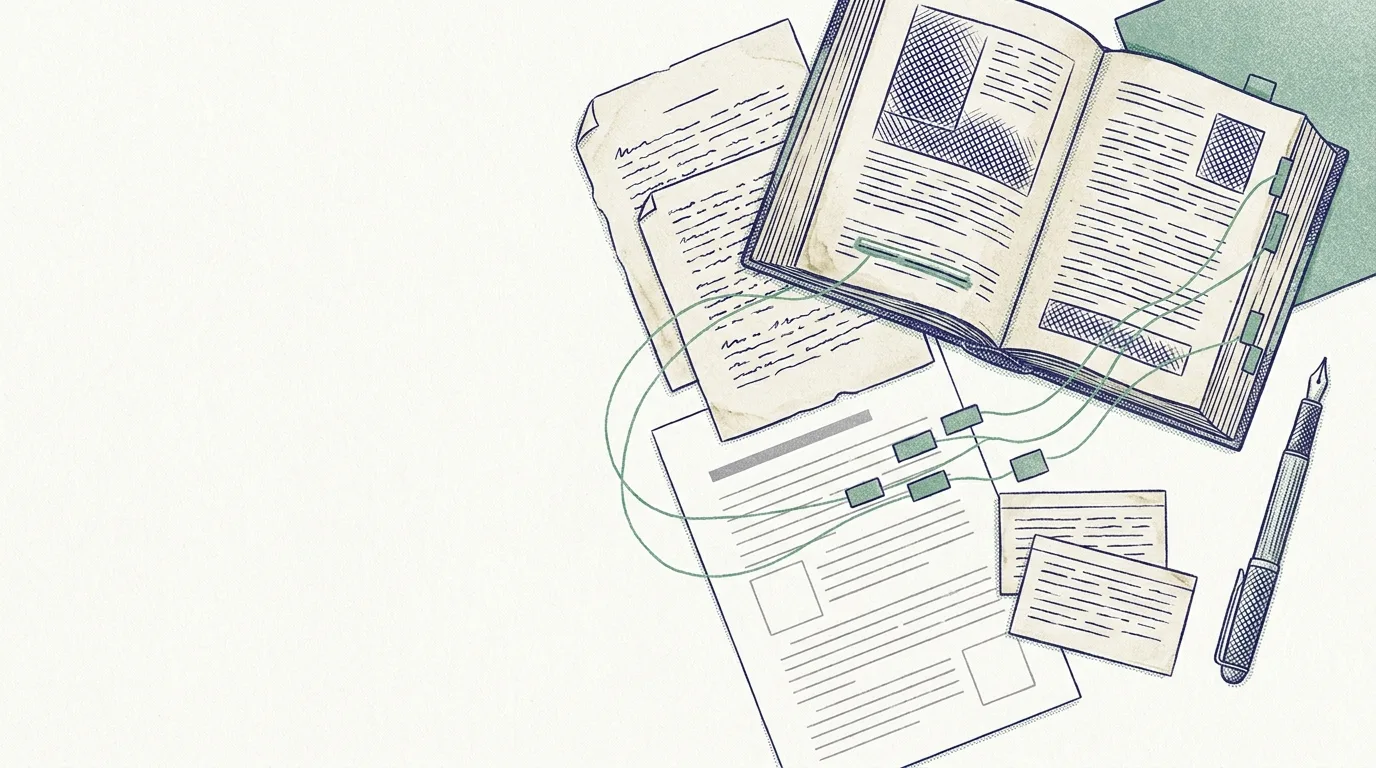
The whole flow in fifteen seconds: set up, write with agents, revise.

An illustrated animation of the flow, in order:

  1. Run init once: your profile, voice, Trove, NotebookLM and Gemini are checked and ready.
  2. Run write: separate agents start in parallel. Evidence gathers verified quotes, Thesis offers three options, Architect plans five sections.
  3. Five writers draft the sections in your voice, and five auditors check every citation. A rejected citation goes back to its writer.
  4. Everything converges into article.docx, with footnotes, ready for Word.
  5. Run revise: your Word comments flow back to the writers and a new article-v2.docx is saved.

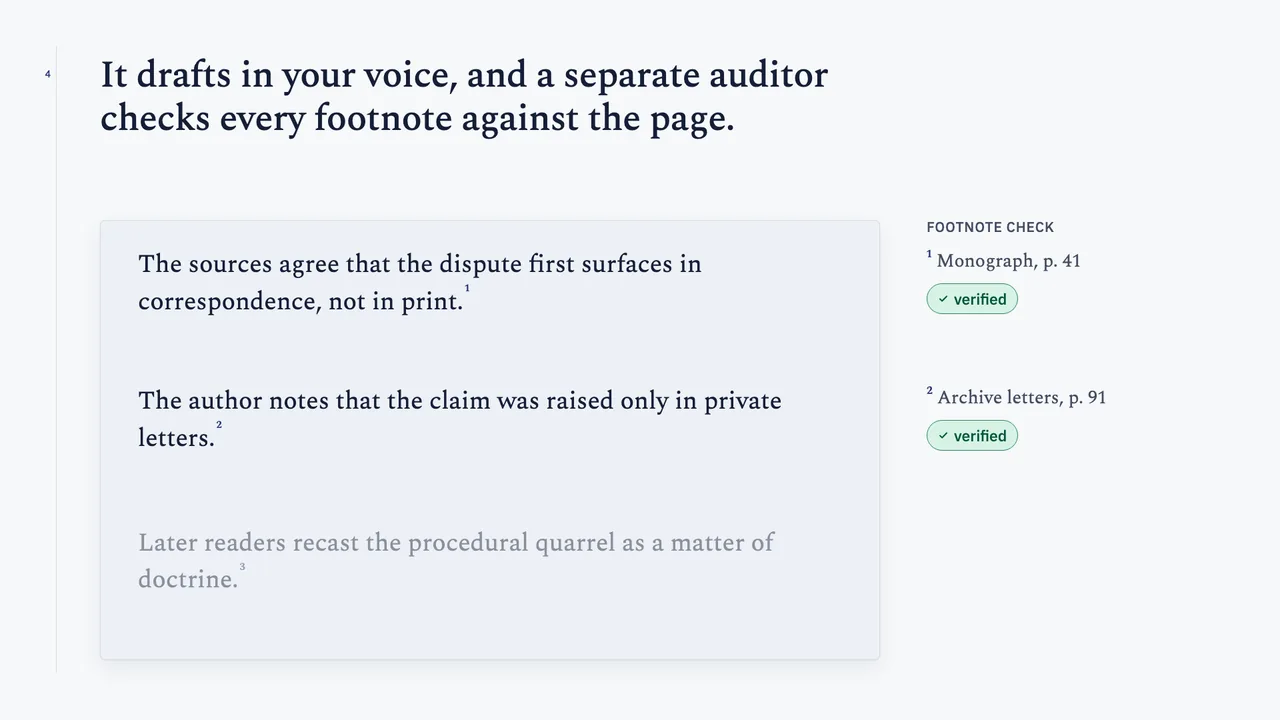
Every footnote has to survive the auditor.

ParagraphA drafted paragraph
Claim and footnote“…not only about authority.”1
Source pageScholem, p. 244
Quote matchedThe paragraph stays
Not foundRejected

Rejected paragraphs are rewritten and rechecked; repeat failures are flagged to you.

/academic-writer:voice

Drafts that sound like you.

Built from your own published paragraphs.

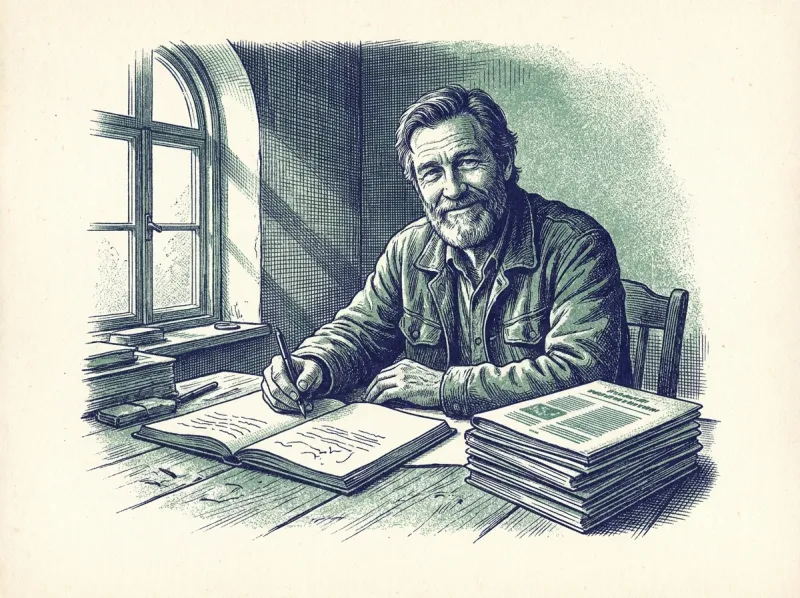
An engraving of a smiling older scholar writing by hand beside a stack of his earlier articles.
Illustrative

Your past articles

Article · 2019
Article · 2021
Article · 2023

What it learns

“Why does the gloss return to this verse? Because it cannot let it go.”

  1. Opens an argument with a question
  2. Follows a long sentence with a short one
  3. Avoids “moreover”

A new draft in your voice

Why did the commentary fall silent?1 Readers copied it, annotated it, never settled it.2 Still,3 the silence was a choice.

You pick the examples and approve every rule; Word edits teach it more.

/academic-writer:revise

Comment in Word. It folds your review back in.

Comment in Word like on any paper; nothing is applied until you confirm each group.

  1. Comment in Word
  2. It sorts every comment
  3. You confirm each group
  4. A new Word file

An edit whose anchor text isn't found fails loudly; it never guesses. Edits can teach your voice

An engraving of two researchers laughing over an annotated printed draft.
Review your commentsIllustrative
Group 1 · Text edits (4)
Replace “utilises” with “uses” (§2)ApplySkip
Group 2 · Questions about the argument (2)
Added to your to-do list
Group 3 · Your style (3)
You rewrote 3 sentences more plainly. Remember this?YesNo
Edited 4 · Added to your voice 3 · Reported 1 · Still open 2

Your courses, kept in order.

Set up a term once; turn lecture recordings into lesson notes.

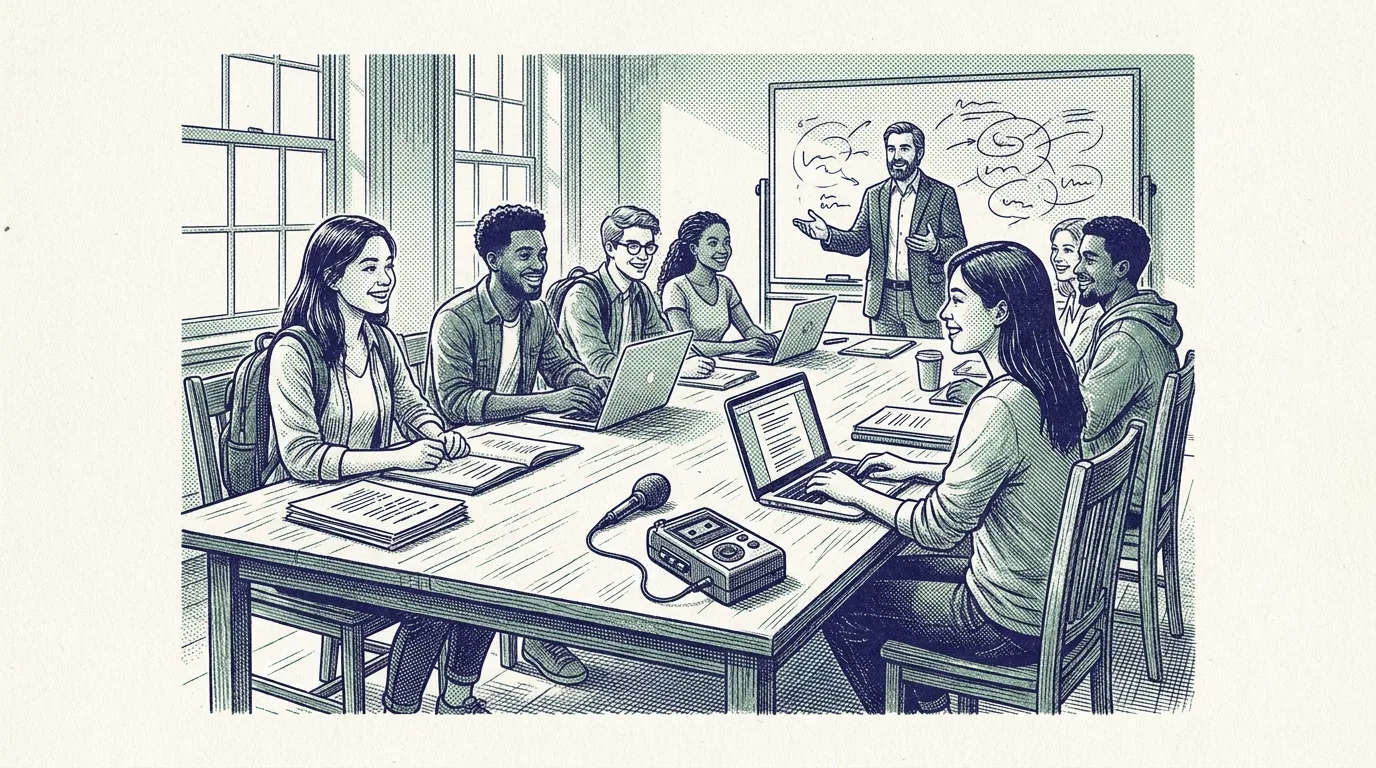
An engraving of a cheerful seminar: students with laptops, a lecturer and an audio recorder on the table.
/academic-writer:courses

Courses

  1. Give it your schedule (.docx).
  2. Confirm the courses and folders it proposes.
  3. A daily scan collects new files and recordings.
Drive ✓NotebookLM ✓Trove ✓Illustrative

New: 2 files, 1 announcement · Needs review: 1 recording

  • Nothing is created unconfirmed; your Moodle token stays in the keychain.
/academic-writer:lesson-notes

Lesson notes

  1. Give it a lecture recording.
  2. It matches it to your schedule; NotebookLM transcribes.
  3. One structured page lands in the course's Trove book.
# Lesson 4 · 3 Nov 2026 · Course name
  • Summary
  • Lesson flow
  • Claims and arguments
  • Positions and speakers
  • Questions and discussion
  • Assignments, readings and dates
  • Concepts
  • Further reading
  • Unclear passages are marked [לא ברור]; every claim needs a transcript quote.
Needs access toGoogle DriveNotebookLMTroveMoodle
/academic-writer:dashboard

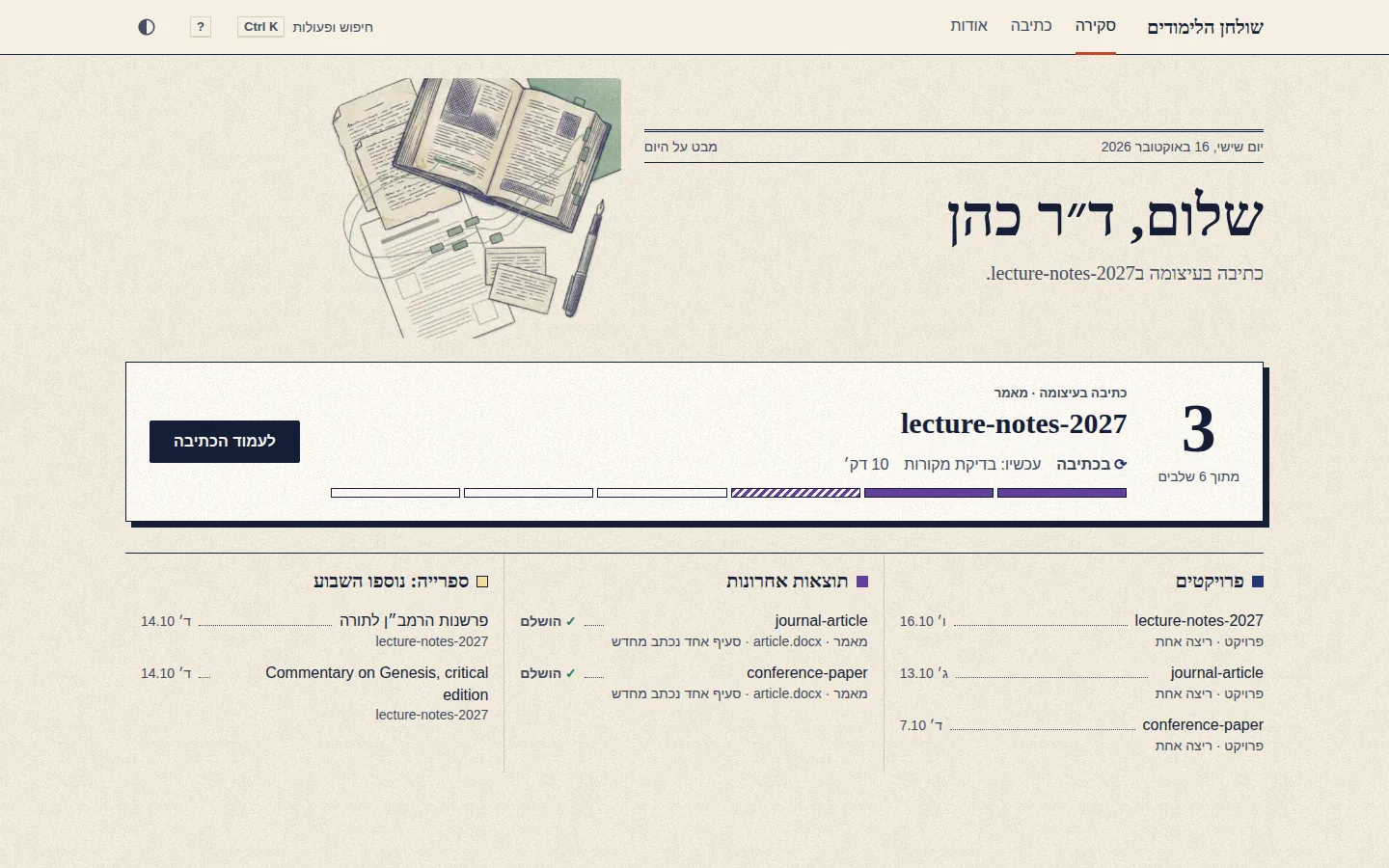
A dashboard for the whole term.

One local page shows your courses, your writing runs and what is ready, with nothing leaving your computer.

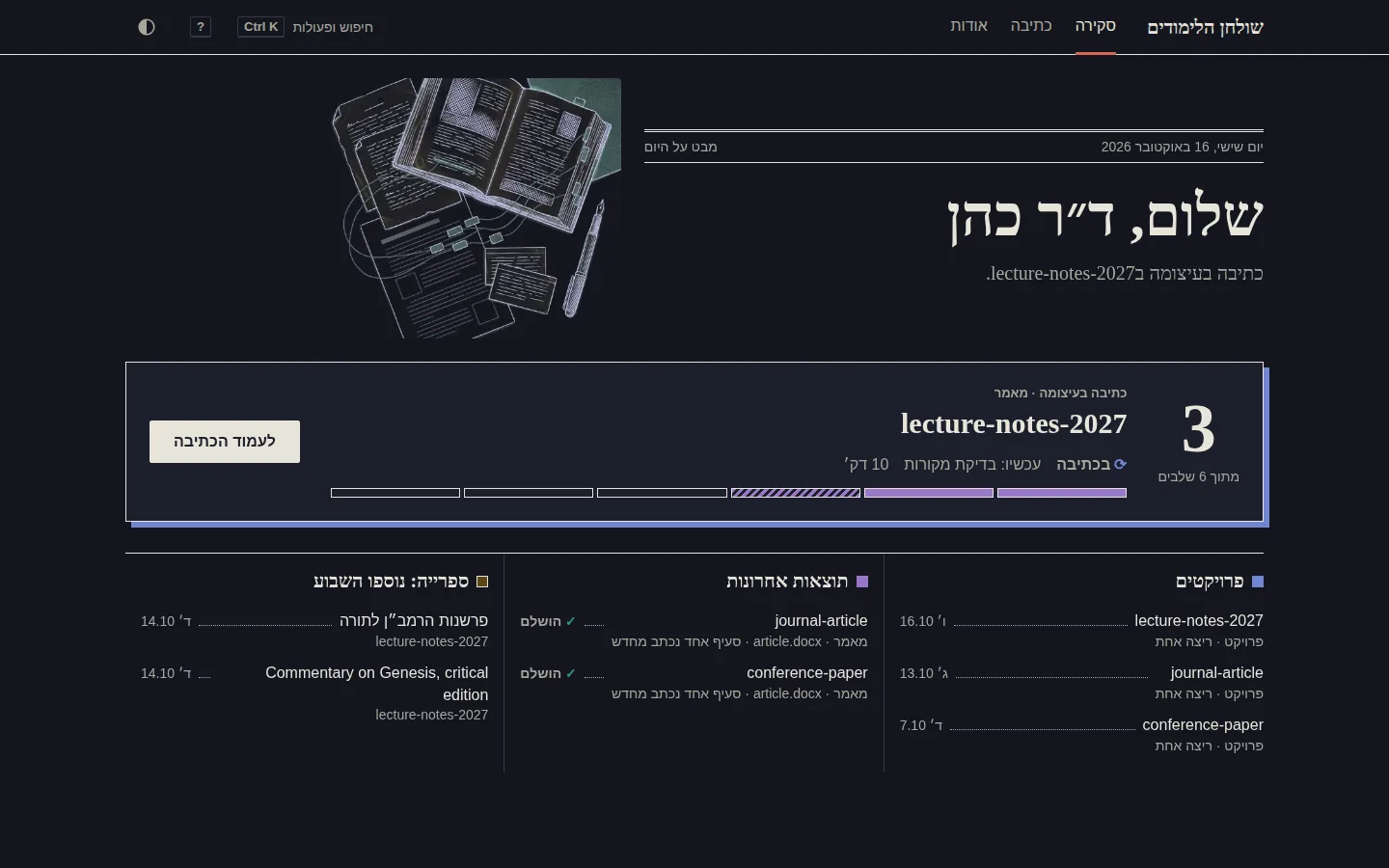
The dashboard overview: the run in progress with its six stages, then projects, latest results and new library items.
The overview, in light and dark.
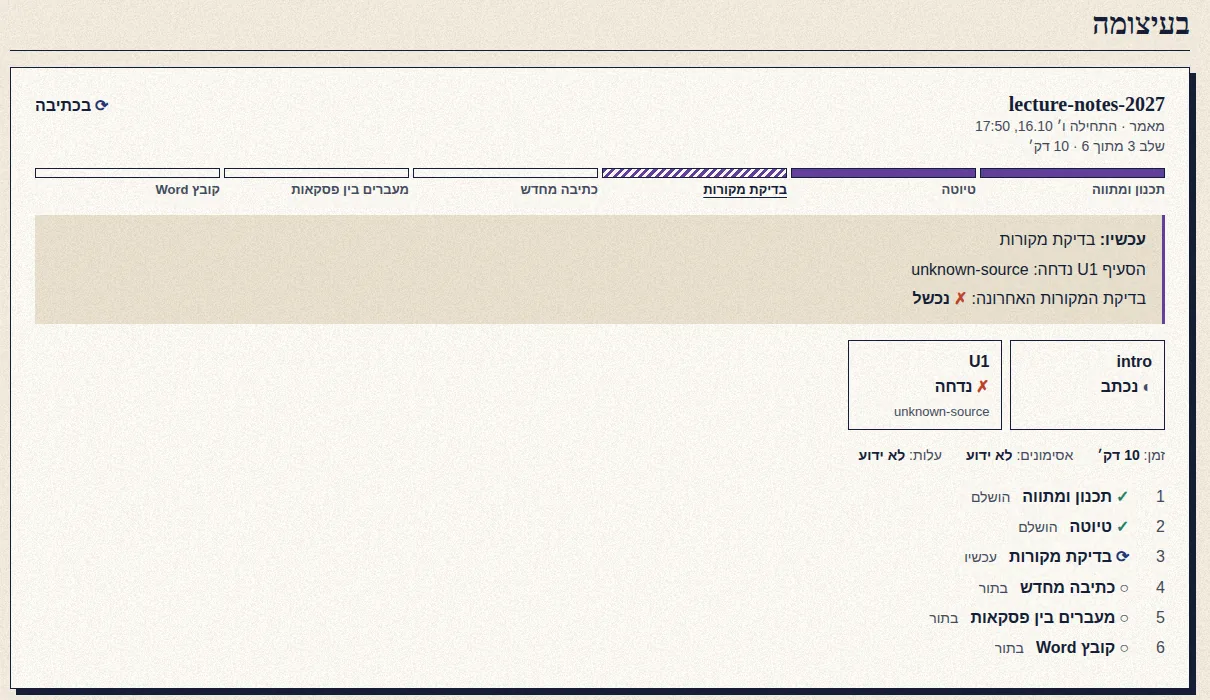
A writing run in progress: six stages, the current one marked, and a failed source check named.
Watch a run as it happens: the stage, the unit, and what failed.
  • The record lists steps and results, never the text of your article.
  • The page opens only on your own computer.

The whole thing in one minute

A narrated overview with music: from the first idea to the Word file.

What you get

Your library, page by page

Articles and books keep their printed page numbers.

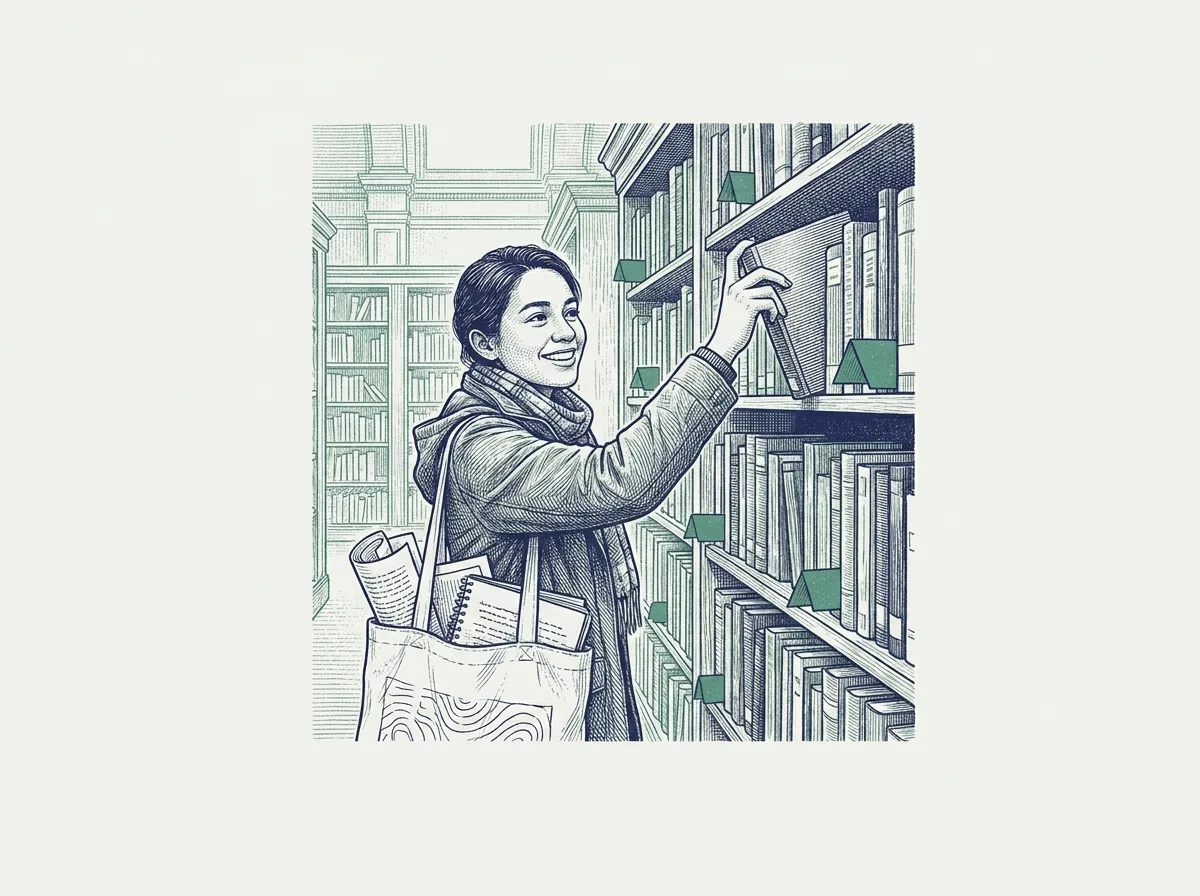
An engraving of a graduate student pulling a bookmarked book from a library shelf.

Hebrew and English

Writes in either language: right-to-left layout and Hebrew footnotes, right in Word.

The article's central claim is that the controversy was not only about authority but about how the community defined itself.1

1 Gershom Scholem, Major Trends in Jewish Mysticism, p. 244.

Scans to text

OCR for scanned pages and photos.

Research

Only passages with verified word-for-word quotes.

Proofread

A marked-up copy; your original stays untouched.

Review

A scorecard on six dimensions.

Ideate

From a vague topic to a sharp question.

Health check

Plain-language check when anything breaks.

What's new

The latest releases of the Claude Code plugin.

v0.20.7

  • lemida_absent on a course

v0.20.6

  • Drive shortcuts are left in place

v0.20.5

  • drive-reorg plans the same way twice when a folder has same-named files

Full changelog

Install

Cowork

Claude desktop app · Mac or Windows

  1. Open Cowork, then Customize → Plugins.
  2. Add marketplace, then enter:
    yodem/academic-writer
  3. Pick academic-writer and click Install. Then quit and reopen the app so the new commands appear.

Claude Code

In the terminal

  1. Paste these two lines, one at a time, pressing Enter after each:
    /plugin marketplace add yodem/academic-writer
    /plugin install academic-writer@yodem
  2. Quit Claude Code completely (type /exit) and open it again in the same folder.
New to Claude Code? Step by step, about 15 minutes
  1. You need a Claude plan that includes Claude Code (Pro, Max, Team or Enterprise; the free plan does not). Sign in or subscribe at claude.ai.
  2. Open the Terminal app (a window where you type commands): press Cmd+Space, type Terminal, press Enter. On Windows, use PowerShell from the Start menu.
  3. Paste this line and press Enter. It shows no progress for a minute; that is normal. (Windows PowerShell: irm https://claude.ai/install.ps1 | iex.)
    curl -fsSL https://claude.ai/install.sh | bash
  4. Make a folder for your research (for example Academic inside Documents). In Terminal type cd (with a space), drag that folder into the window, press Enter, then type claude and press Enter.
  5. The first time, your web browser opens so you can sign in. Sign in, then return to the Terminal window.
  6. At the box where you type to Claude, paste the two install lines above, one at a time, pressing Enter after each. Each one prints a short confirmation. If the first says it cannot find the marketplace, check the line and try again; if it still fails, copy the message to Claude.
  7. Restart: type /exit and press Enter, then type claude again in the same folder.
  8. Type /academic-writer:setup and follow the questions. Setup asks before installing anything and explains each step.

If something fails: command not found: claude means you should close Terminal and open a new window. Type /plugin to check that academic-writer is listed under Installed. Otherwise, report a problem and paste what the screen says.

Then, in either one:
/academic-writer:setup
/academic-writer:write

What you need

  • Claude plan (Cowork or Claude Code)
  • Free Gemini API key
  • Microsoft Word
  • Optional: past articles, Trove, Python

Questions, answered plainly

Do I need to know programming?

No. You type in plain language, and it asks one question at a time.

Does it make up citations?

Every footnote is checked against your sources; a separate auditor rejects any it can't confirm.

Does it work in Hebrew?

Yes: right-to-left layout and Hebrew footnotes in Word.

What happens to my files and data?
  • Anthropic sees your conversation and what Claude reads.
  • Gemini sees drafts and passages; free-tier data may improve Google products.
  • Trove (optional) holds only sources you upload.
  • Keys stay in your keychain; files are written only in your folder.
Is it free?

The plugin is free (MIT). Cowork and Claude Code need a paid Claude plan; Gemini has a free tier.

What if something breaks?

Run /academic-writer:health for a plain-words list of what is missing.

How do I update?

Cowork: “Check for updates” in Customize, then Plugins. Claude Code: claude plugin marketplace update yodem, then claude plugin update academic-writer@yodem.

Read the full guide

Your argument. Your sources. Your voice.

Cowork

In Cowork, add the plugin from Customize, then Plugins.

yodem/academic-writer

Claude Code

Paste these two lines, one at a time, pressing Enter after each:

/plugin marketplace add yodem/academic-writer
/plugin install academic-writer@yodem
An engraving of a researcher holding up a journal issue while colleagues applaud.